
Business Email Hosting: A Practical Guide for Your Team
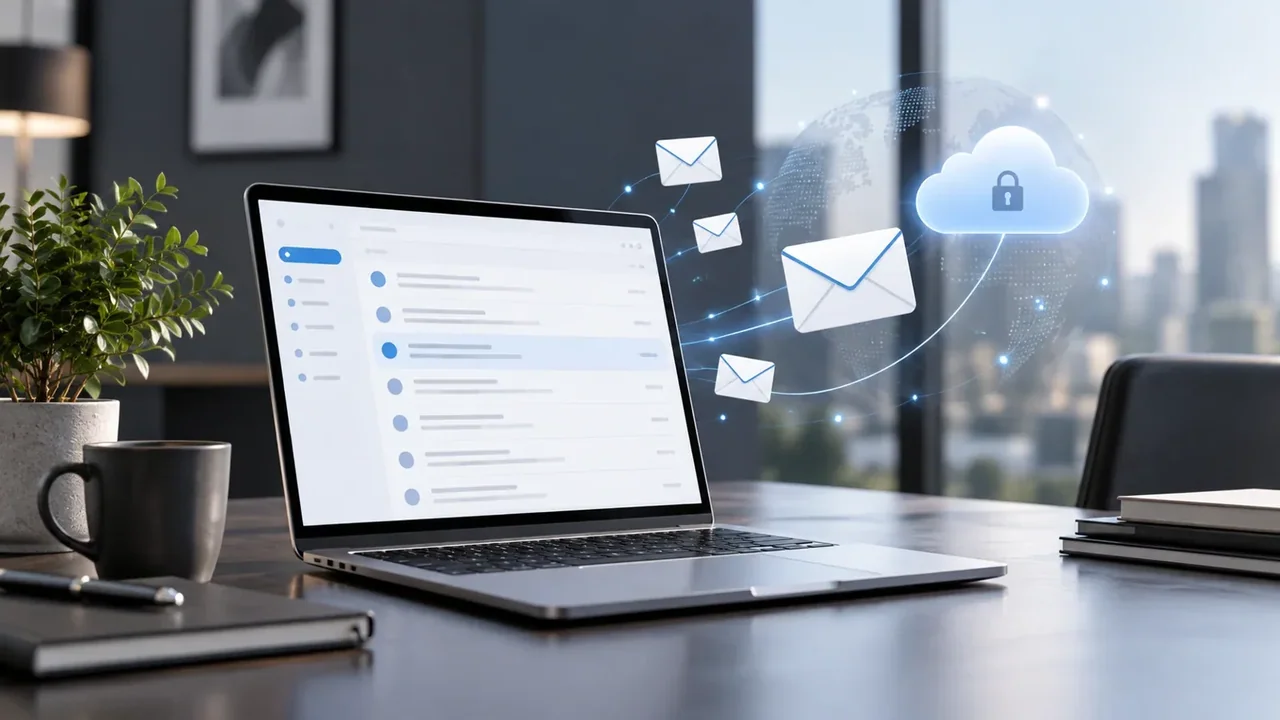
Your email address is often one of the first details a customer sees. An address such as hello@yourbusiness.co.zw connects every conversation to your business name, whether you are sending a quotation, answering an enquiry or arranging a delivery.
Professional email hosting gives those addresses a home. This guide explains what to consider before moving your team to domain-based email, and how to plan a smoother setup.
What is email hosting?
Email hosting is the service that receives, stores and sends messages for your domain. Your domain is the name customers recognise; your mailboxes are the accounts your team uses to communicate.
Website hosting and email hosting have different jobs. Your website can be hosted in one place while your business email is hosted elsewhere. The connection is made through the domain's DNS settings, so an email migration should be planned carefully to preserve your website and other services.
Start with the people who need a mailbox
List the team members who need individual accounts and the business addresses customers already use. Sales, accounts and support addresses should have clear ownership, so enquiries do not get lost when responsibilities change.
Before buying, confirm how the service handles additional addresses, shared access and any forwarding you need. These are different from purchasing another mailbox, and their availability should be checked against your chosen configuration.
Choose storage for real working habits
Mailbox capacity matters most when people keep years of messages or exchange large attachments. Review current usage and allow room to grow rather than selecting a plan only by its starting price.
NewEdge360's Business Email page offers mailbox plans with different storage capacities. You can configure mailbox quantities during checkout and review the resulting total before payment. See the current Business Email plans and allowances for the options available when you order.
Check how your team will access email
Some people work mainly in a browser. Others rely on a phone or a desktop email application. Confirm the supported access methods before migration and prepare a short setup guide for each device your team uses.
NewEdge360's Business Email offering supports browser, phone and email-app access. Keep account recovery details current and use the security controls available for your account. Each person should have an appropriate account rather than sharing a password across the team.
Plan domain setup and email authentication
Mail delivery depends on correct domain configuration. MX records direct incoming email, while authentication records help receiving systems assess messages sent using your domain.
As part of setup, check the provider's required MX, SPF, DKIM and DMARC configuration. Preserve other valid domain records and avoid creating conflicting SPF records. Authentication helps establish a consistent sending identity, but no configuration can guarantee that every message will reach an inbox.
Move existing email with a clear cutover plan
- Inventory the current service. Record mailboxes, important addresses, storage usage and the devices in use.
- Confirm migration requirements. Establish what can be transferred, who will do it and whether historical messages need a separate import.
- Prepare the new accounts. Complete the required domain and mailbox setup before changing mail routing.
- Schedule the DNS change. Choose a suitable window and retain the previous service until the transition is verified.
- Test both directions. Check incoming messages, replies, attachments and the devices the team actually uses.
Do not cancel the previous service simply because an order has been paid. Provisioning, DNS changes and migration checks still need to finish.
Business email and marketing campaigns serve different needs
A business mailbox supports everyday correspondence. Sending newsletters or automated marketing sequences also requires appropriate consent, unsubscribe handling and campaign delivery controls. A mailbox subscription should not be treated as permission to send unsolicited bulk email.
Getting started with NewEdge360
Choose a mailbox plan and quantity, then select an existing domain or register a new one. NewEdge360 guides customers through checkout and the required domain and mailbox provisioning steps so setup remains visible until the service is ready.
Explore Business Email or talk to the NewEdge360 team about your domain, team size and migration requirements.